How to style console log messages
Max Musing · January 5, 2022

Max Musing · January 5, 2022
We recently added a little easter egg to Basedash which shows ASCII art of our logo, and a short message with links in the browser console.
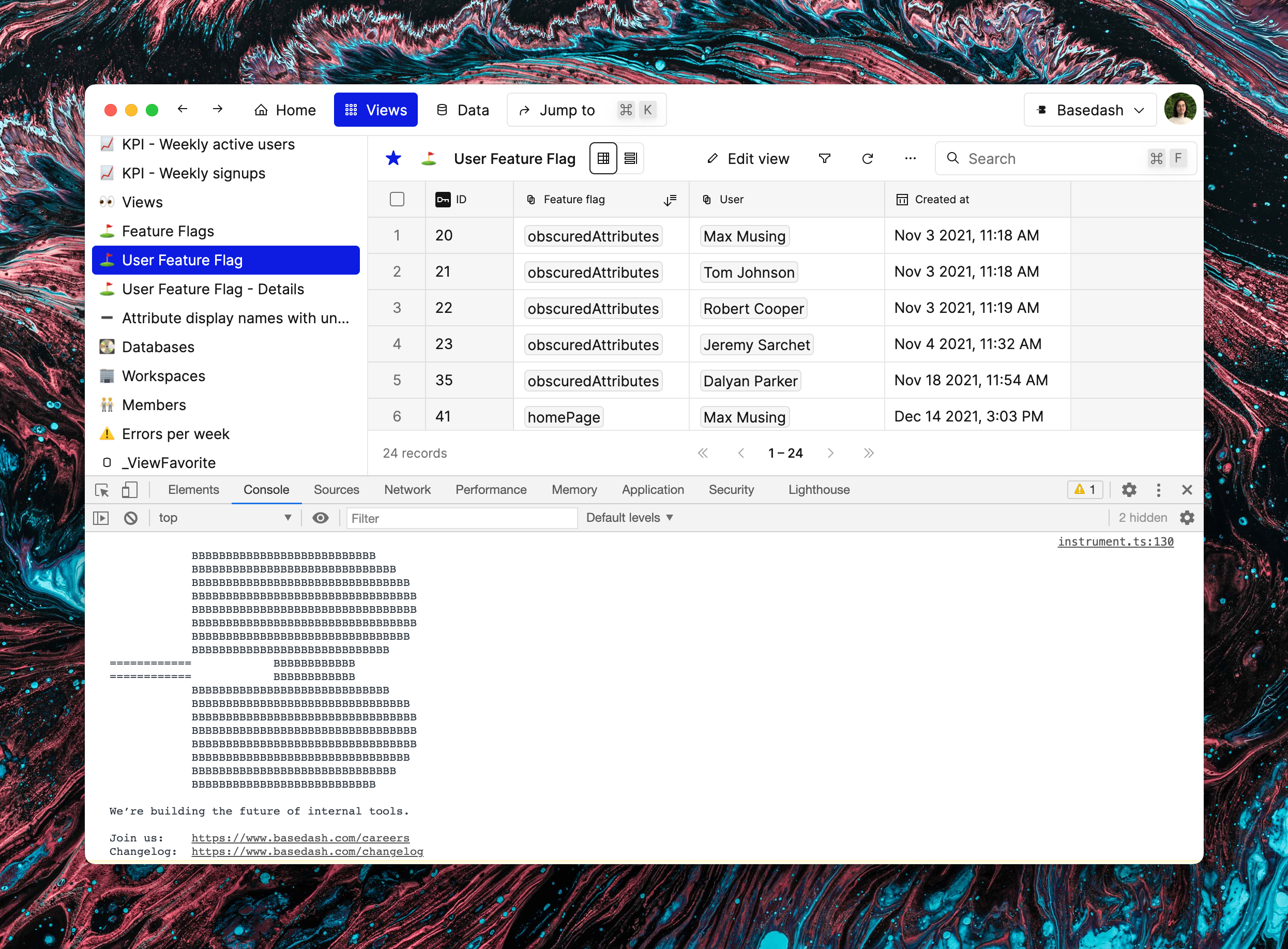
Basedash
I’ve seen a few other products do something similar, including Linear and Facebook:
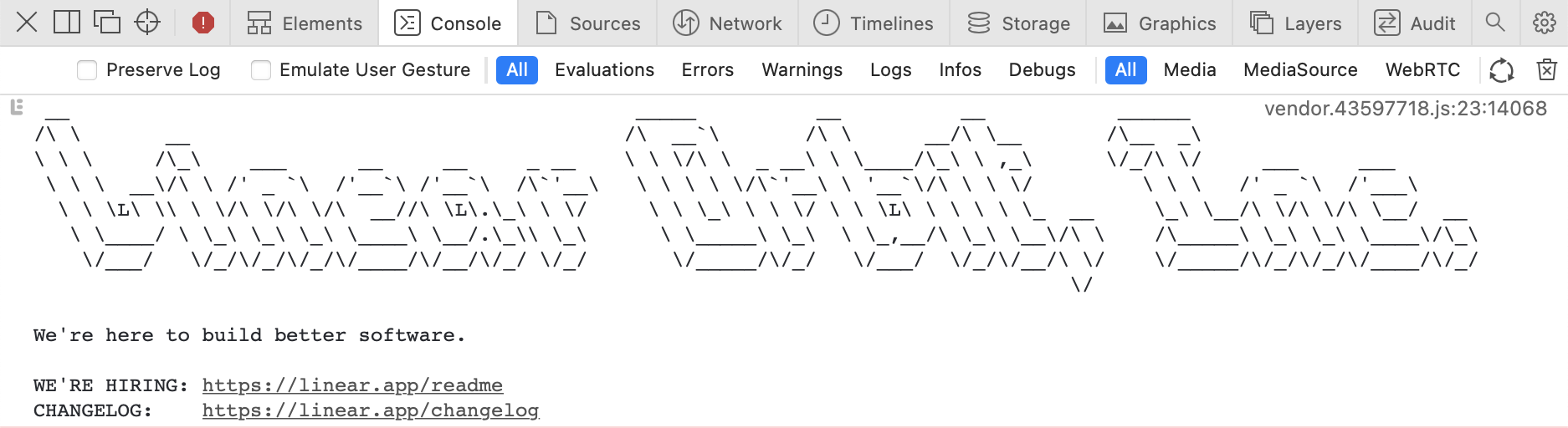
Linear
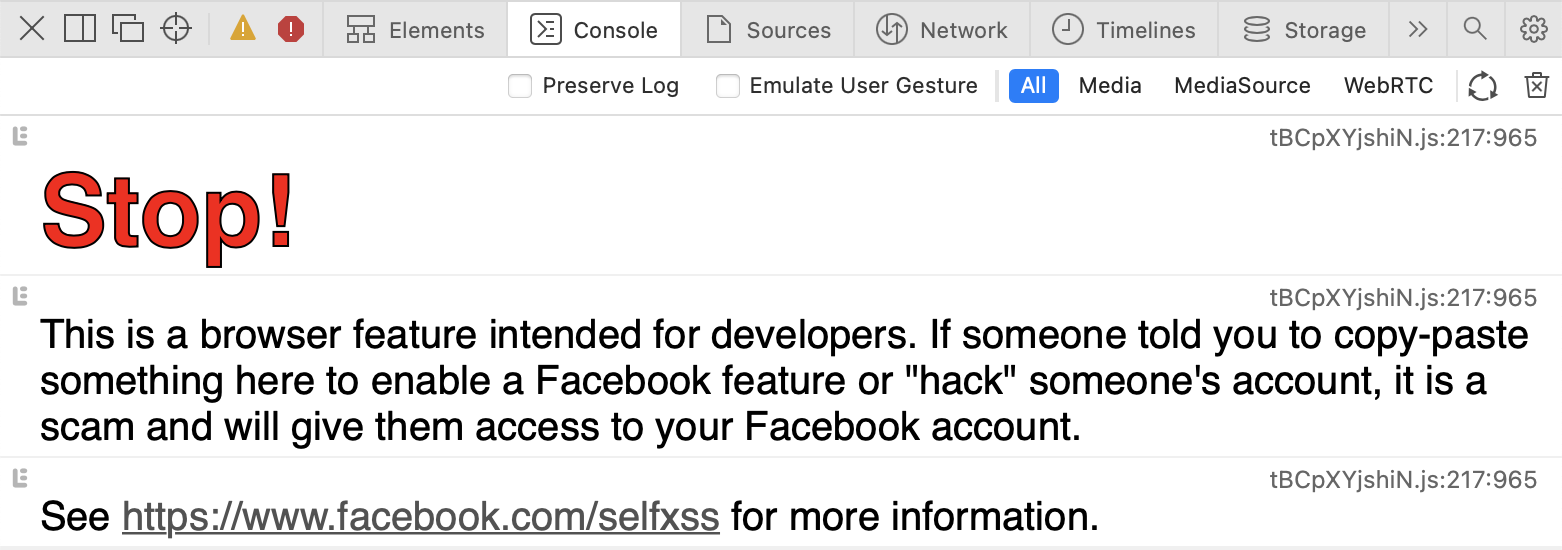
One thing you might notice is that both of these examples apply styling to the console messages. Linear uses a monospace font (which is necessary for ASCII art to display properly), and Facebook changes the text size and color.
Here’s how you can do the same:
First, start with a standard console.log statement:
console.log('Basedash is rad');Then, add %c to the start of your string:
console.log('%cBasedash is rad');Finally, add a second parameter with some CSS:
console.log('%cBasedash is rad', 'color: red; font-size: 20px;');
The CSS from the second parameter is applied to everything after the %c. Most CSS properties that affect text work—you can see the full list on MDN.
You can also add multiple %c tags to apply different styles to different parts of your message. Each %c tag adds its own parameter to the console.log function call, like so:
console.log('%cBasedash is %crad', 'color: red', 'color: green');
Rad!
Some other ideas to try:
background-imagefont-family to match the rest of your websitebox-shadowfont-styleCheck out the full MDN docs on styling console output here.